Nyko Technologies
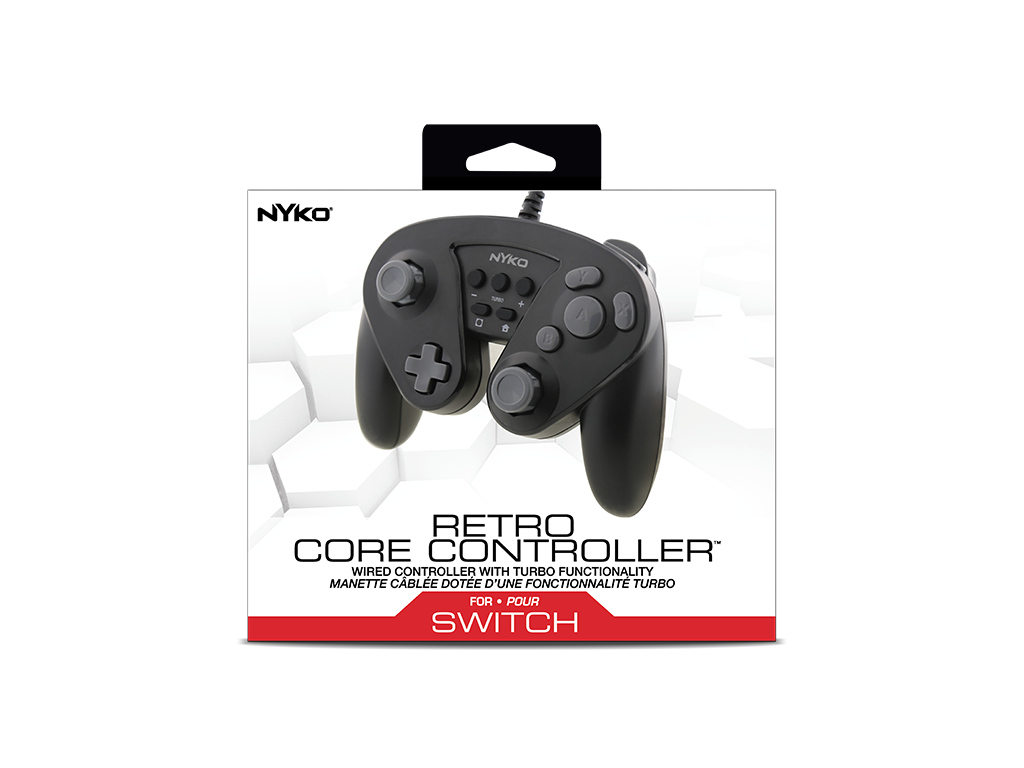
Retro Core Controller for Nintendo Switch™
Retro Core Controller for Nintendo Switch™
Couldn't load pickup availability
Bring classic ergonomics and zero-latency precision to your modern gaming setup. The Retro Core Controller for Nintendo Switch™ is a full-sized, retro-inspired wired gamepad engineered for gamers who demand instant response times, superior grip comfort, and tactile reliability during intense gameplay.
Key Product Features
- Lag-Free Wired Connection: Direct USB plug-and-play functionality eliminates wireless interference, input latency, and battery dependency.
- Full-Sized Retro Ergonomics: A comfortable, contoured form factor providing a more substantial, ergonomic grip than standard Joy-Cons™ alone.
- Programmable Turbo Functionality: Easily assign turbo mode to any face buttons or triggers for rapid-fire customization.
- Extended Reach: Includes a durable 6-foot USB cable for comfortable distance from your console dock.
- NOT Compatible with the Switch 2 due to legacy USB protocols used in the original Switch which are not present in the newer Switch 2 console.
Technical Specifications & Compatibility
| Product Specification Matrix | |
|---|---|
| Platform Compatibility | Nintendo Switch™ (Base / OLED models via Dock) |
| Required Console Mode | TV Mode Only (Requires active USB port on Switch Dock) |
| Connectivity | Wired (USB-A) |
| Cable Length | 6 feet (approx. 1.8 meters) |
| Turbo Mapping | Assignable to all Face Buttons and Triggers |
| NFC Reader (Amiibo) | No / Not Supported |
| Gyroscope / Motion Controls | No / Not Supported |
| Rumble / Vibration | Yes (Standard Dual-Motor Rumble) |
Frequently Asked Questions
1. Can I use this controller in handheld or tabletop mode?
No. The Retro Core Controller requires a direct USB-A connection and is designed strictly for use when the Nintendo Switch is placed in the dock and outputting to a television (TV Mode).
2. Does this controller support motion controls or Amiibo scanning?
To prioritize an affordable, lag-free retro experience, this controller does not contain an NFC reader or a Gyroscope. It is not compatible with titles or features that strictly require motion controls or Amiibo functionality.
3. How do I sync or pair the controller to my console?
There is no syncing, Bluetooth pairing, or charging required. Simply plug the controller's 6ft USB cable directly into any available USB port on your Nintendo Switch dock, and it will be recognized instantly.
⚠️ WARNING: This product can expose you to chemicals including lead, which is known to the State of California to cause cancer and birth defects or other reproductive harm. For more information go to www.P65Warnings.ca.gov.
Share